To change your password, go to the main navigation bar and click on your account and select Profile, then select Update Password.
Type in new Password and Confirm Password. Then click on Save Profile.
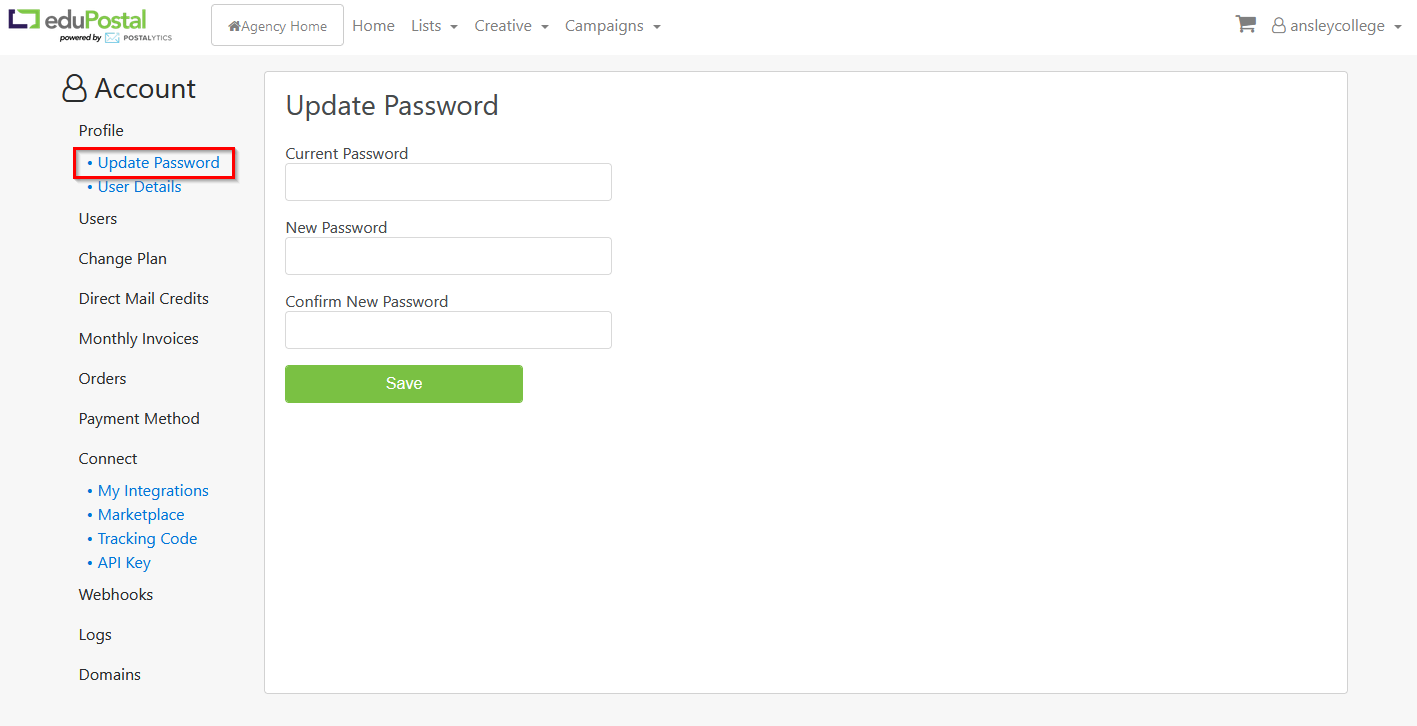
To change your password, go to the main navigation bar and click on your account and select Profile, then select Update Password.
Type in new Password and Confirm Password. Then click on Save Profile.