Objective: Create a campaign using a template and target a list segment.
- Log into the platform using your provided credentials. Reset your password.
- Create a new "standard" campaign
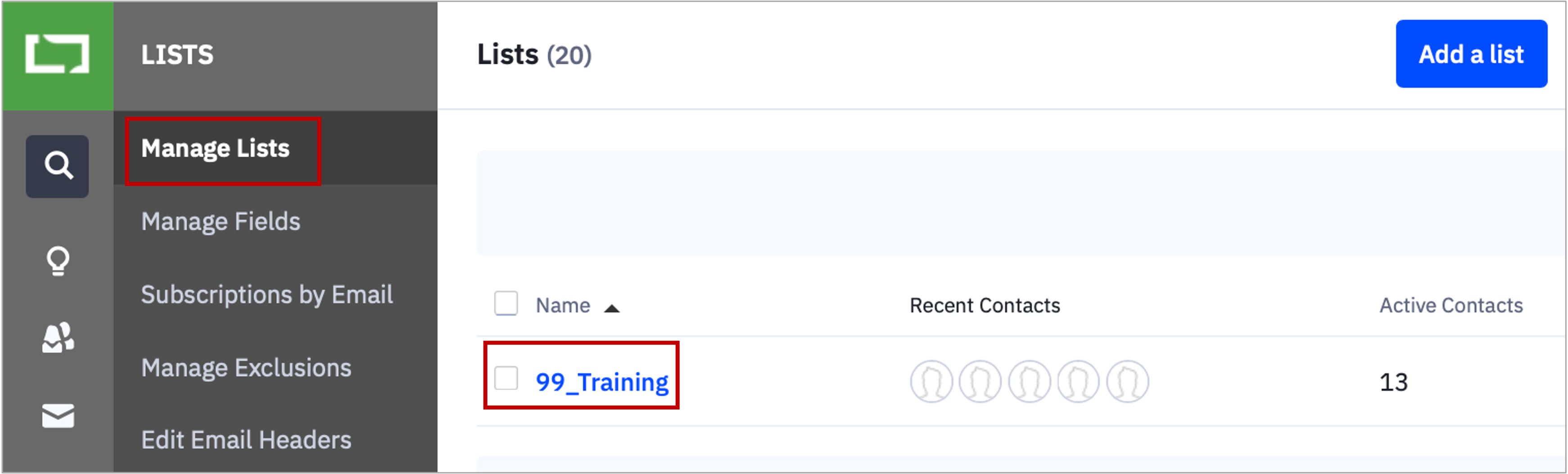
- Choose the 99_Training List and create a segment to target yourself and the contact with an email address that contains "educonverse.com."
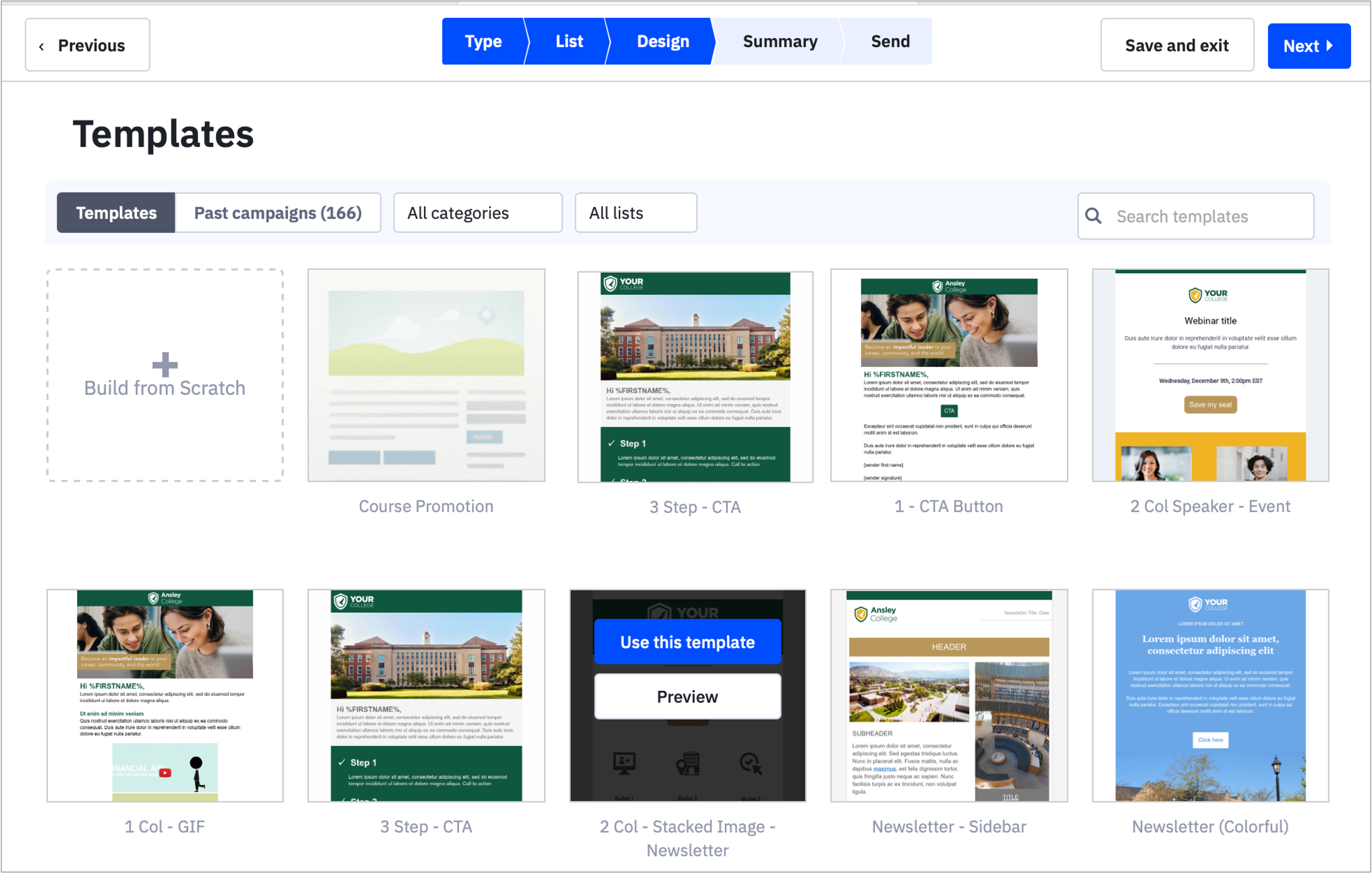
- Select the "1 - CTA Button" template.
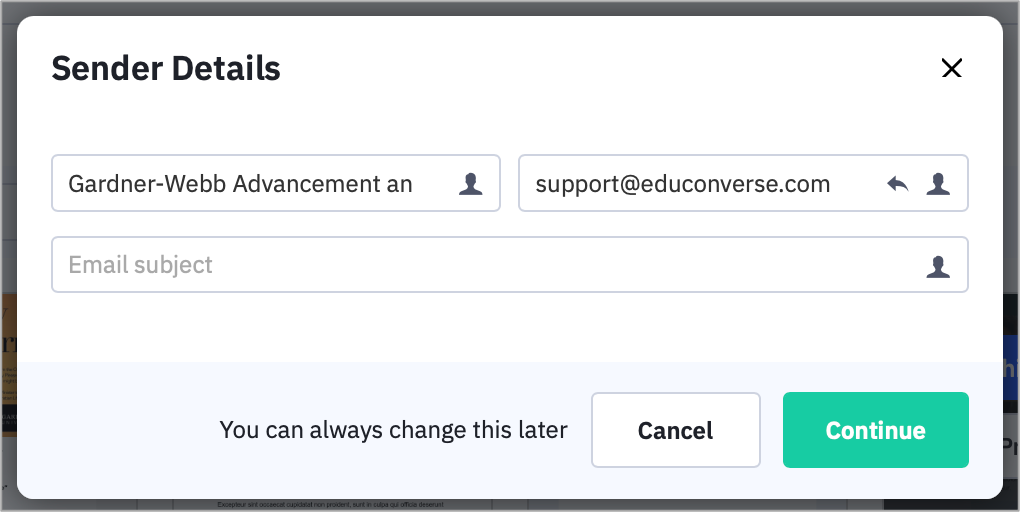
- Update the content, subject line, and preview header and select a relevant footer from "Saved Blocks"
- Test the email
- Send your campaign
- Choose a contact record from the 99_Training list and send the same campaign.
Key Screens
Campaigns Screen

List Screen
Templates Screen
Sender Details
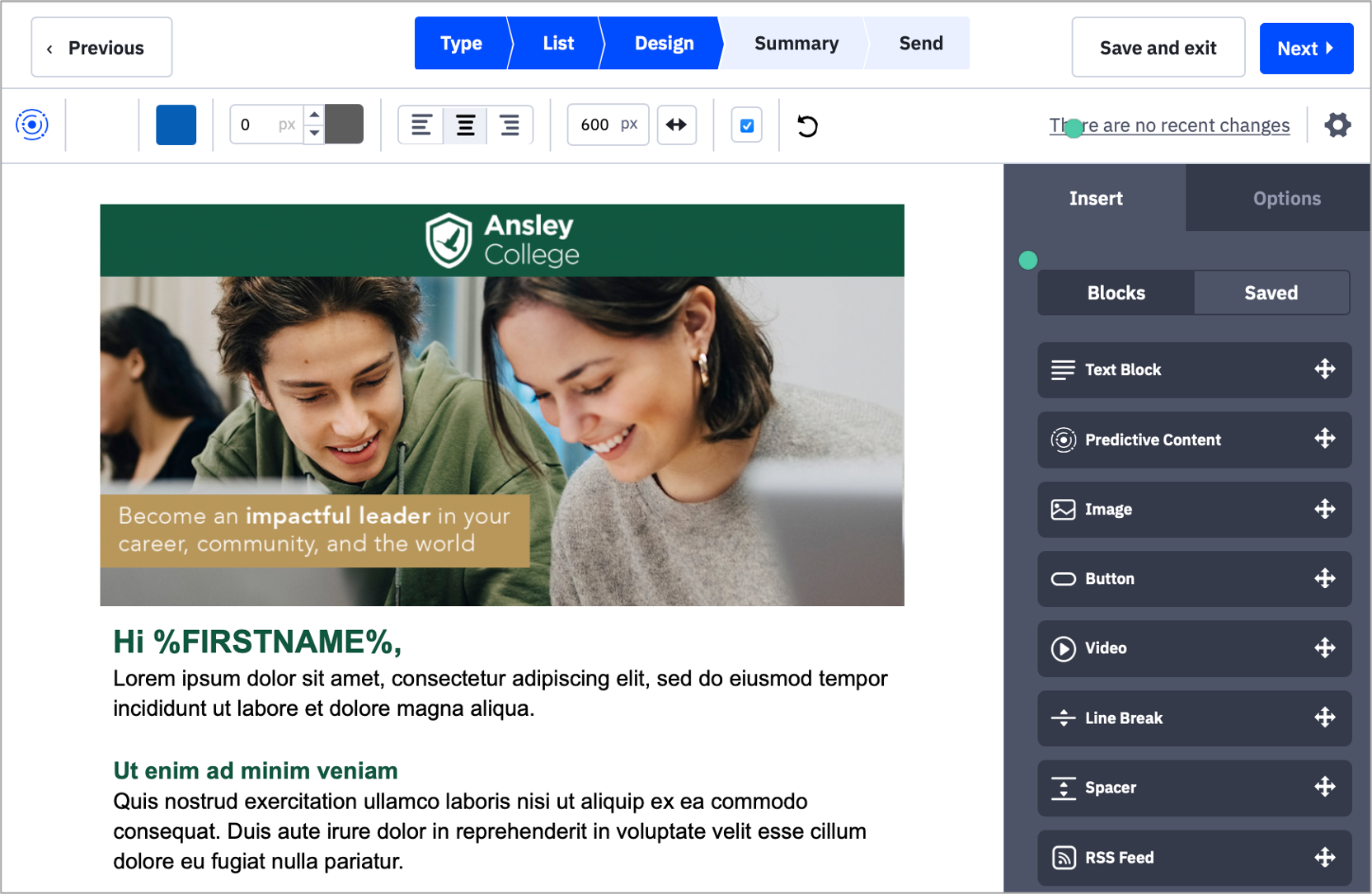
Design Screen
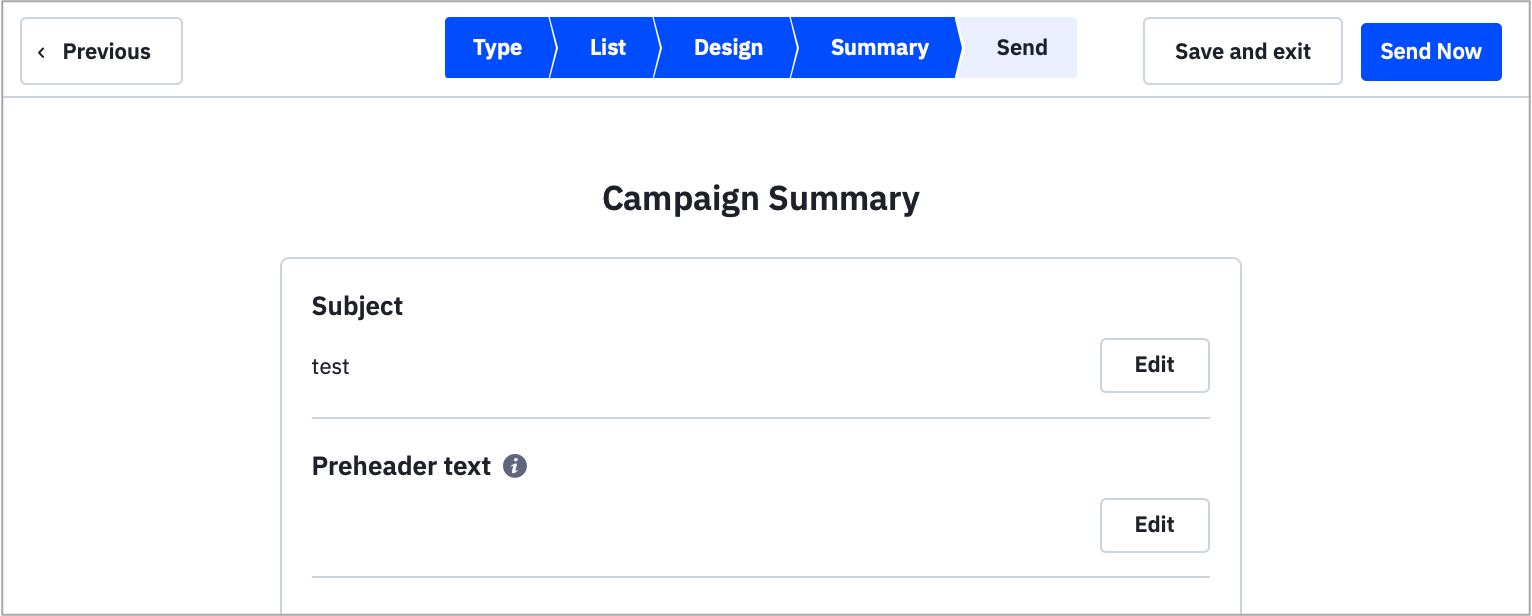
Campaign Summary